CabinetFORGE isn't for sale yet, but you don't have to wait to try it. The free demo is online right now at cabinetforge.app/app. It runs in your web browser. There's nothing to download and nothing to sign up for.
Two ways in
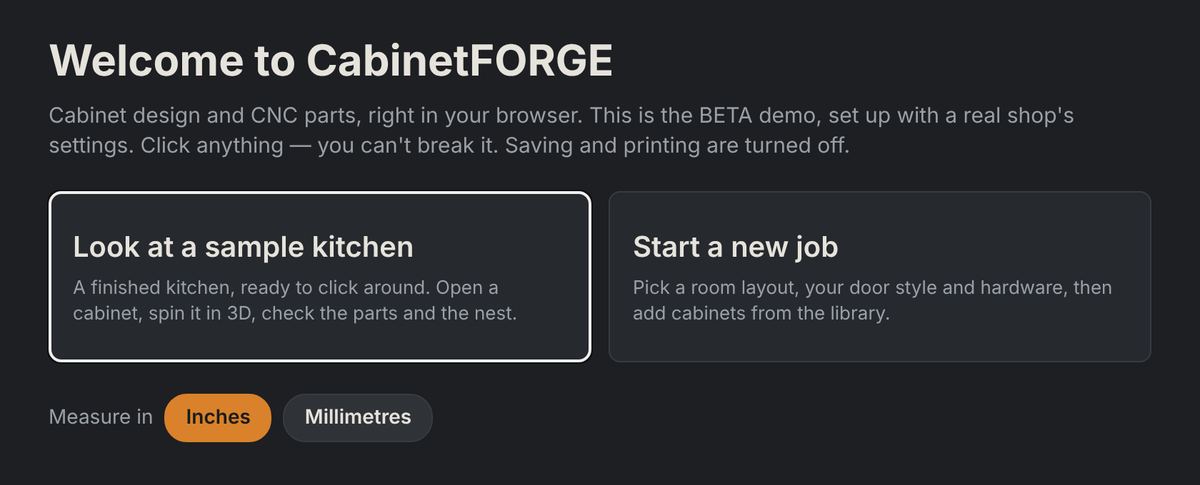
Look at a sample kitchen. A finished kitchen, ready to click around. This is the fastest way to see what CabinetFORGE does.
Start a new job. Pick a room layout, your door style and hardware, then add cabinets from the library. The demo is set up with my own shop's settings, so it starts from real-world numbers.
You can also pick inches or millimetres right on that first screen.
Things to try
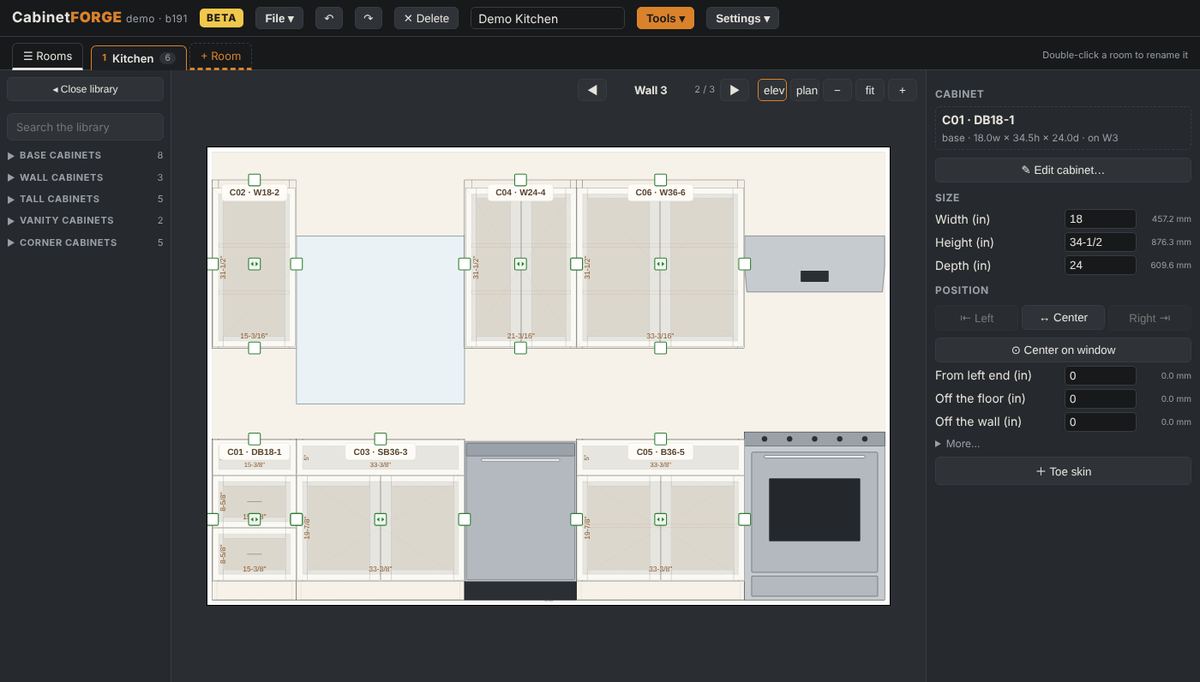
- Click a cabinet, then Edit cabinet. You get the face frame, a 3D model you can spin, and the door, drawer front and drawer box sizes.
- Drag a rail. Watch the drawer fronts follow it.
- Open the room in 3D. Turn the doors off to see inside the boxes.
- Go to the Nest. See every part laid out on the sheets, by material, with the cut order and the G-code for each sheet.
What's turned off
Saving and downloading G-code are off in the demo, and it runs 20 minutes a day. You can design all you want and print what you see (stamped DEMO). You can't break anything either, so click away.
It's a work in progress, and things will change. That's the point of putting it out early.
Tell me what you think
If something doesn't make sense, or you'd build a cabinet differently, I want to know. Email info@cabinetforge.app. The shops trying it are deciding what gets built next.
Questions
Do I need to install anything to try CabinetFORGE?
No. The demo runs in a web browser at cabinetforge.app/app. Chrome or Edge on a computer works best.
Can I save my work in the demo?
No. Saving and G-code downloads are turned off in the online demo. Printing works, stamped DEMO.
Is the demo free?
Yes. The demo is free and needs no sign-up. It runs 20 minutes a day.
Get on the launch list
One email when CabinetFORGE is ready. Nothing else, and your address goes nowhere.